
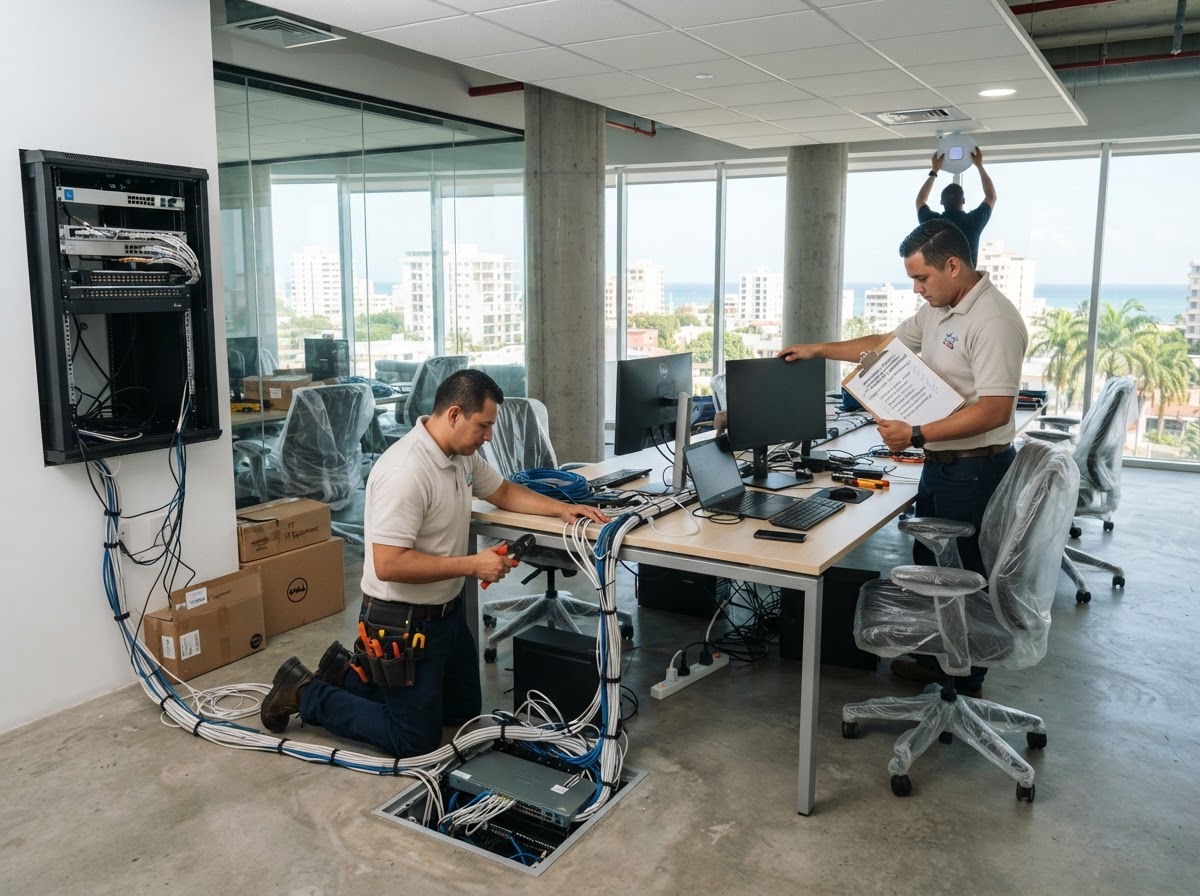
Opening an Office in the Dominican Republic: IT Checklist
Everything technology needs on day one when you open an office in the DR — a practical checklist for international companies expanding locally.
Opening an office in the Dominican Republic means building a technology foundation from scratch — often from another country, in another language, with unfamiliar vendors. This checklist covers everything that needs to work on day one.
The problem
International companies opening a DR office usually discover the technology gaps too late: internet not installed, network not designed, no firewall, no Microsoft 365, computers not configured, printers not deployed. Each gap delays the opening and frustrates the team.
Connectivity: internet first
Before anything else, coordinate internet installation with a local provider. Lead times in the DR can be weeks, so start early. Plan for redundancy if uptime matters — a backup link keeps the office working if the primary fails.
Network, Wi-Fi and security
Design the network before cabling starts: VLANs, Wi-Fi for staff and guests, firewall at the edge, VPN for remote access. Proper design up front prevents the expensive rework that comes from building first and thinking later.
Productivity: Microsoft 365 and devices
Provision Microsoft 365 (email, Teams, SharePoint, OneDrive), configure computers and workstations, deploy printers and phones. Get users productive on day one instead of waiting days for accounts and equipment.
Protection: backup, cameras, access
Set up backup from day one — data loss in a new office is common because no one planned for it. Add cameras and access control for physical security. These are cheap before the office opens and expensive after an incident.
Dominican context
Opening an office in the Dominican Republic as a foreign company means navigating local internet providers, hardware procurement, import timelines and Spanish-language vendor coordination. A local technology partner removes that friction — you send the requirements, we coordinate the local execution.
Expert note
The single biggest mistake in office openings is treating technology as the last step. Start IT coordination the day you sign the lease — internet and procurement lead times will dictate your actual ready-to-work date.
Verify before you proceed
Use this list to assess your situation or prepare your next step.
- Internet ordered with redundancy
- Network design approved
- Structured cabling scheduled
- Firewall configured
- Microsoft 365 provisioned
- Computers and workstations configured
- Printers and phones deployed
- Backup configured and tested
- Cameras and access control installed
- On-site deployment coordinated
Frequently asked questions
Can you build the entire IT for a new office?
Yes. From internet coordination to network, Wi-Fi, firewall, servers, Microsoft 365, computers, printers, phones, security and on-site deployment — we deliver a complete, ready-to-work setup.
How early should we start IT planning?
Start the day you sign the lease. Internet and hardware procurement lead times often determine your actual opening date.
Can you coordinate local vendors for us?
Yes, vendor coordination is part of our office opening service — we manage local providers so you don't have to.
Let's talk about your technology in the Dominican Republic
Request support or ask for a quote. We coordinate the full local execution.
Need IT support in the Dominican Republic?
From one technician to complete IT outsourcing.